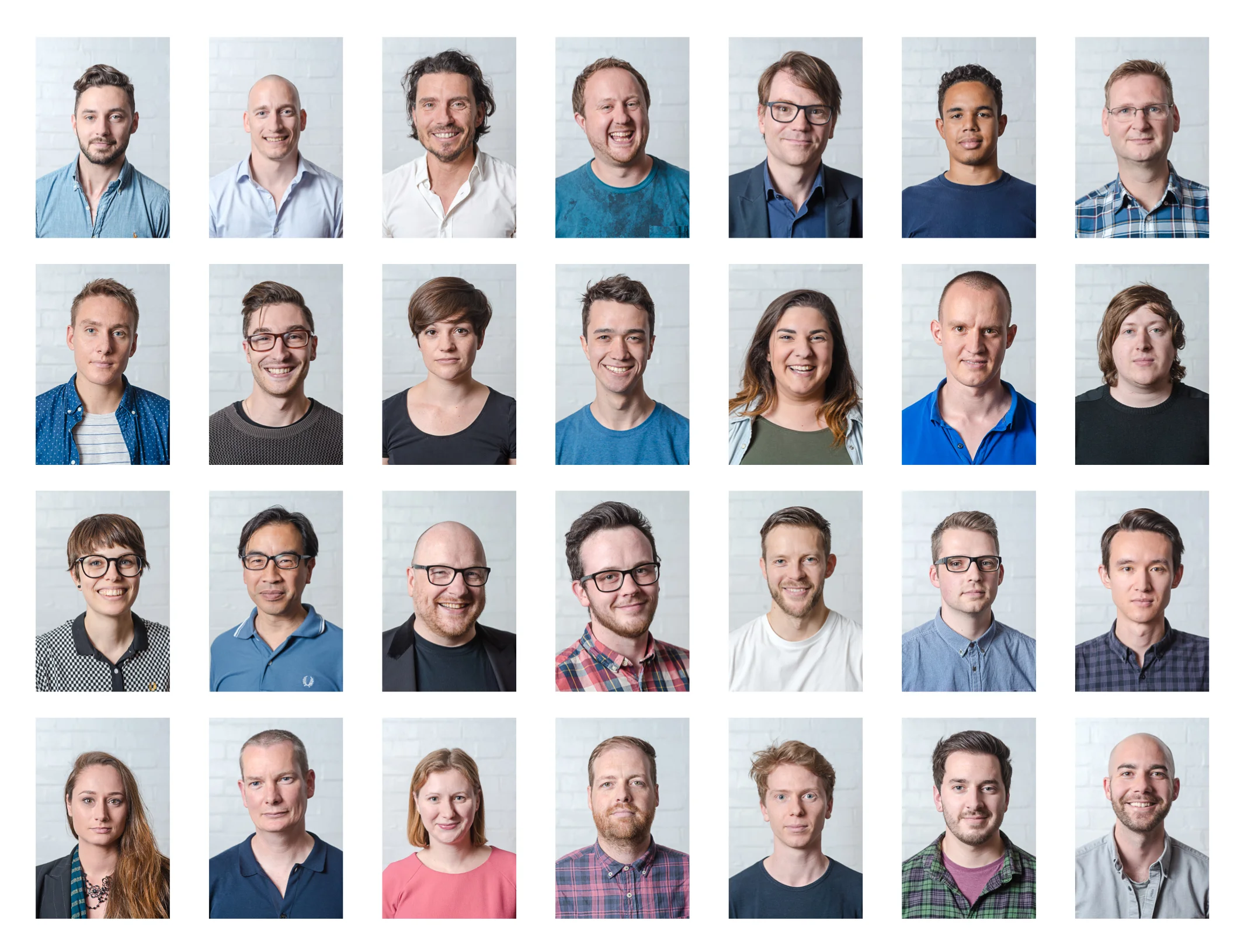
company photographer

Workplace Photography A Guide

Office & Staff Photography Guide

To ensure we capture the company and team at their very best, here’s a short guide on how to prepare and what we’ll need on the day.

1. Preparing the Space

The biggest difference between an average shoot and a great one is preparation.

  • Declutter thoroughly – Clear desks of coffee cups, water bottles, loose paperwork, coats, bags, and cables where possible.

  • Remove temporary signage – Take down printed notices, paper signs, Blu Tack, or anything taped to walls or glass.

  • Tidy meeting rooms and breakout areas – Clean tables, organise chairs neatly, and remove excess clutter.

  • Clean windows and glass – This helps avoid visible handprints and improves light quality.

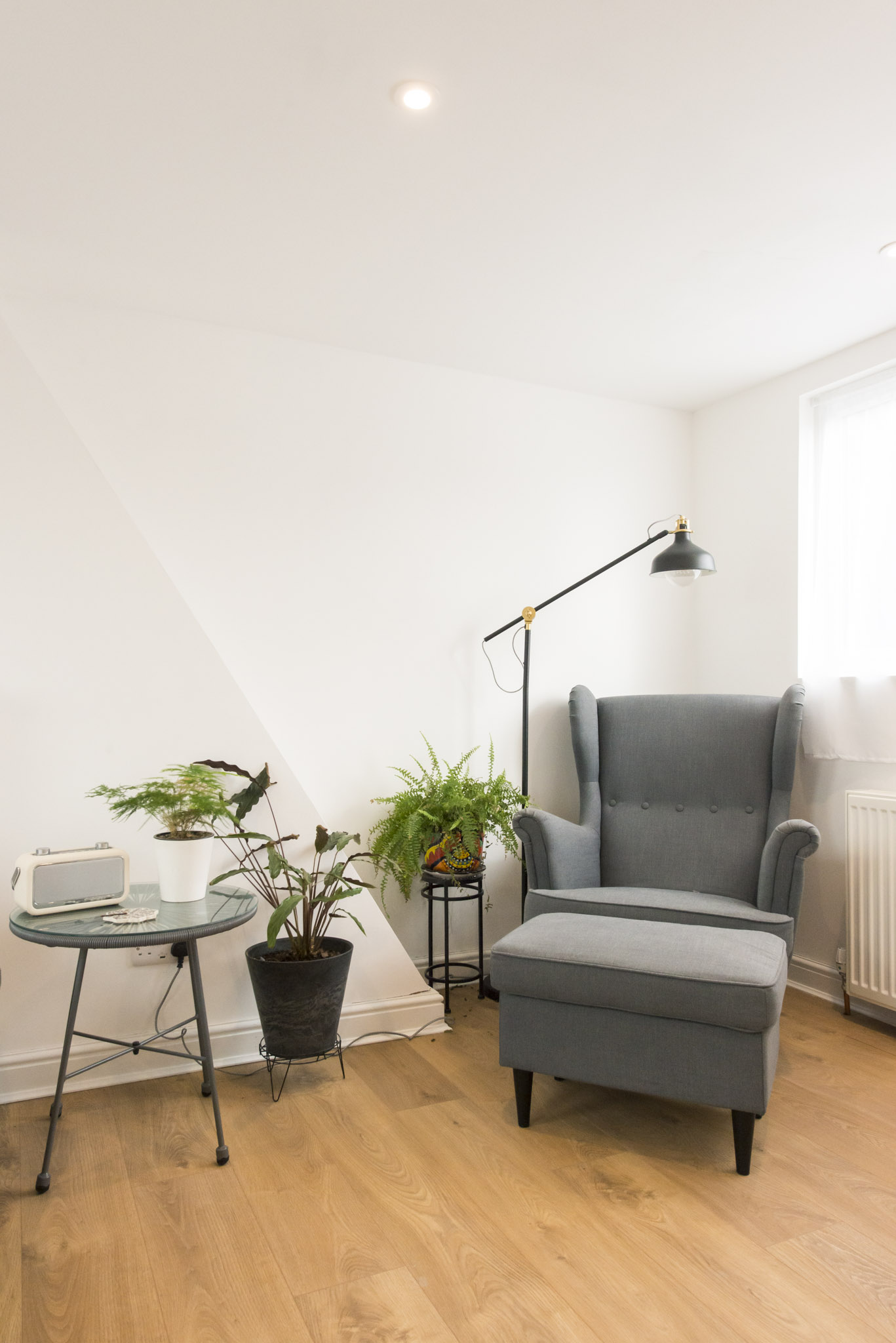
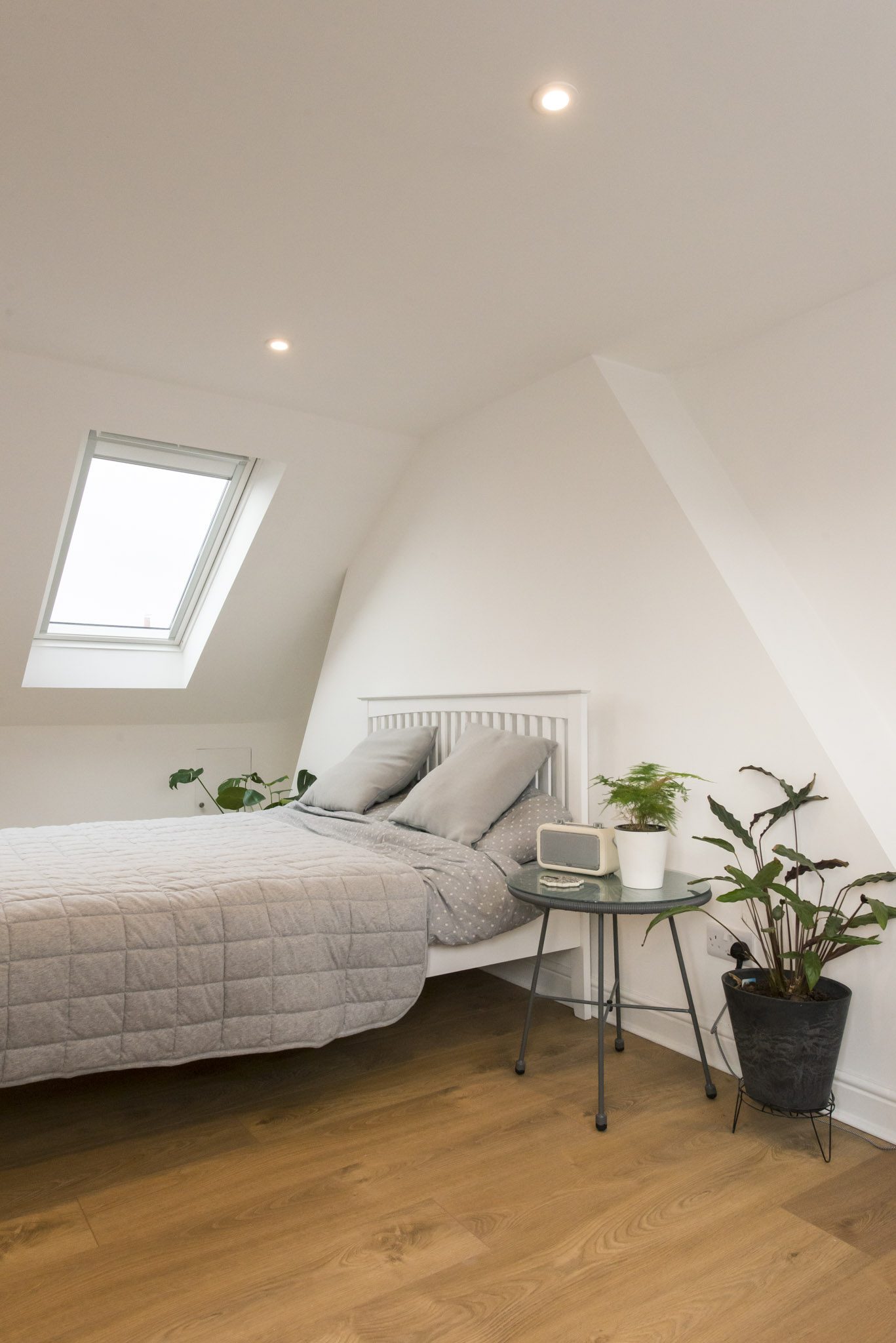
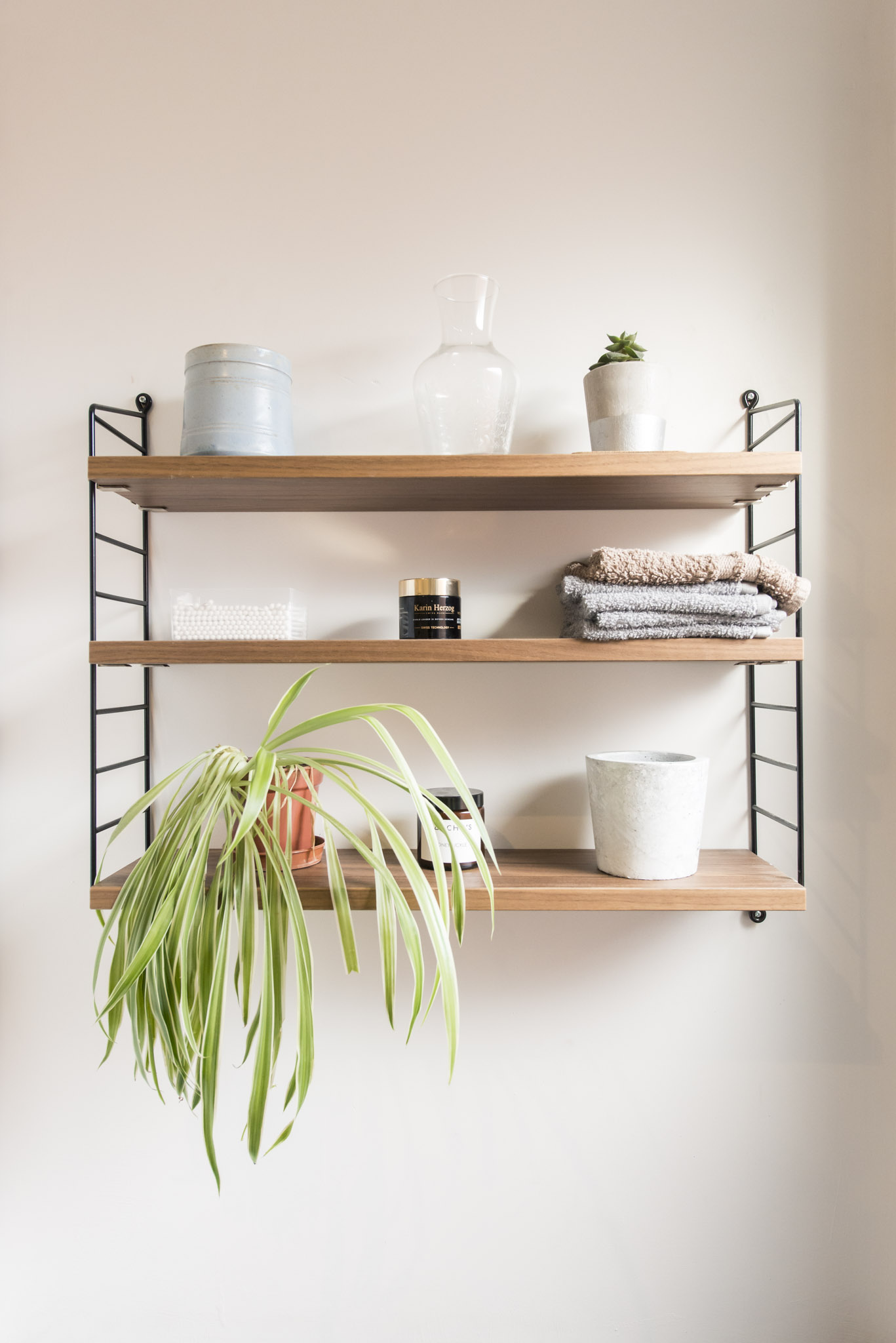
  • Add greenery where possible – Plants can really elevate a space and make it feel fresh and professional.

The aim is to make the office look as polished, modern and professional as possible — while still feeling authentic and lived-in.

2. Locations To Use

Ideally if we can photograph in:

  • A bright meeting room with good natural light

  • A breakout or collaboration space

  • Open-plan desk areas

  • Any standout architectural features or branded spaces

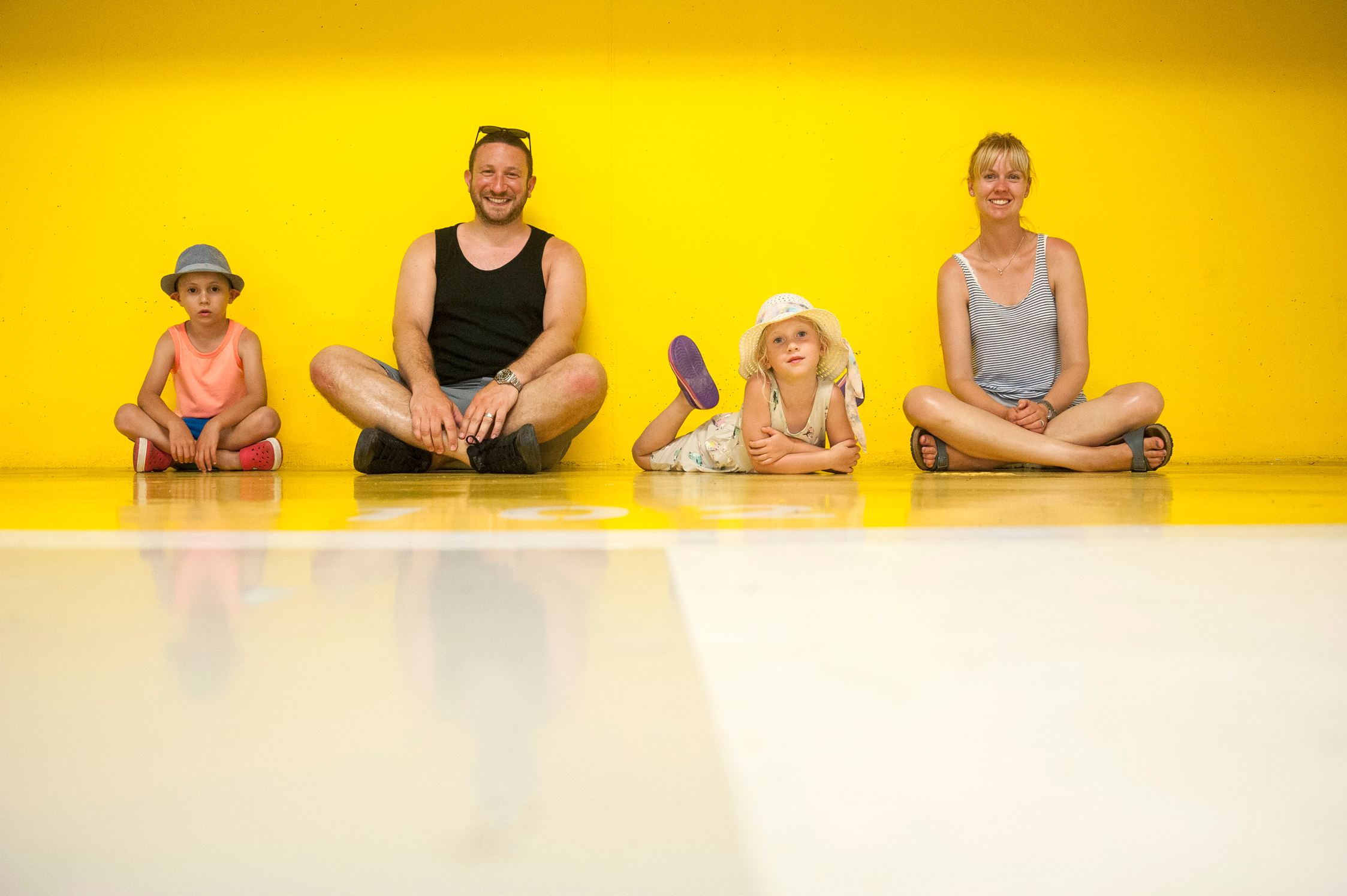
Spaces where a small group can comfortably sit or stand together and interact naturally.

3. People & Participation

It works best to have a core group of team members available throughout the day who:

  • Represent a mix of roles, backgrounds and seniority

  • Are comfortable being photographed

  • Are dressed in smart, professional attire that reflects the company brand

People and groups can be rotated in and out for short 10-minute sessions so it doesn’t feel repetitive and avoiding photographing the same combinations of people repeatedly.

If possible, having a few additional staff members available at set times for wider team shots is also helpful.

4. Types of Scenes To Capture

The goal is to create a natural, confident representation of the workplace. Typical setups include:

  • Small team meetings around a table

  • Informal conversations in breakout spaces

  • Individuals working at desks

  • Collaborative moments (reviewing documents, looking at screens, whiteboard discussions)

  • Light candid moments that show culture and personality

Everything will be lightly directed but designed to feel natural and authentic.

5. General Notes

  • Encourage staff to wear neutral or complementary tones (avoiding heavy patterns or large logos unless branded).

  • Keep diaries flexible so we can pull people for short periods.

  • If there are any areas that should not be photographed (confidential material, restricted spaces), it’s worth flagging these in advance.
Thanks so much for getting to the end of this post and if I can help in any way or if you have any photography needs please do get in contact with me.

Why I’m changing how I use Instagram

Why I’m changing how I use Instagram

I’ve really started to think long and hard about how I use the wonderful photo sharing app Instagram. The world of photography has changed a hell of a lot in the last few years and it’s got me thinking. 

So as a bit of a background my profile on Instagram says: “I shoot people. Usually for work. Always for fun. ——— All photos are taken on an iPhone.”

iphone-photography

Flickr

Back in the day I was a massive fan of a photography sharing website called Flickr. You may have heard of it? But do you use it to share your photos?

I don’t any more. I used to on a daily basis. In fact I was on there before I was on Facebook and used it so much, that I thought what’s the point of this new fangled Facebook with Flickr being so popular. 

Well around 2009 I just found that Flickr died a death. I used to do a 365 Day Self Portrait project and my photography was regularly getting loads of hits a day and seen by so many people. But that just stopped. I wasn’t checking it as much and chances are all those other people weren’t. 

flickr-instagram

Where do I upload my photography to now?

Well I put a very limited amount of family and friends stuff on Facebook. My wedding photography goes on my wedding photography website www.vivaweddingphotography.com and my commercial photography goes on my commercial photography website www.adambronkhorst.com. The final bit of the puzzle is my iPhone snaps of everyday life. Well that goes on Instagram.

I suppose there isn’t one place where you can see all my photography. Well all the stuff that i’m proud off and want to show off. This all seems a bit fragmented. After all i’m a photographer and I use the same creative vision no matter what i’m shooting. So it seems only sensible to have somewhere to use as a photography sharing platform for all the best bits.

adams-family

Instagram

Onto Instagram. I joined and started uploading iPhone photos to Instagram back in 2010. I’ve only ever uploaded photos which were taken on my iPhone. I thought that it’s a mobile photography platform to be used and viewed on a mobile device. So I used to be all snobby and couldn’t understand why people would upload anything else. 

I once wrote a book on ‘Smartphone Photography’ called Snap Shots. I looked at apps for shooting, apps for editing and apps for sharing. Instagram does all three of those in one app. It’s just brilliant. The fact that I don’t shoot or edit with it doesn’t matter. I do share my photos with it and whats more it’s not just an app for sharing your photos on other sites. It’s an amazing social network.

And thats the key. It’s a social network. It’s been embraced my so many photographers to show off their work and so much more. Why am I not using this? Why am I just using it to show, what is for me, the least interesting of my photography? And by that I mean the photos I put the least effort and thought into?

Instagram is so much more than just a photo taking app. It’s become the place to view photographers work. I don’t have to just put my iPhone photos up there. I can share my commercial portrait work. I can put the odd wedding photo on there. I can also put my family and friends stuff up there and everyone can see it all in one place. It’s my photography and my style will hopefully be obvious in all my work. Why limit myself?

adam-iphone

The plan

So from now on my Instagram account is going to look very different. There’ll be a load of other work on there for everyone too see. I’ll still post the iPhone photography. But i’ll keep that to Square and i’ll tag it with #iPhone. After all the best camera is the camera you have with you. I still love shooting with my iPhone, so that’ll never stop.

I’m hoping that it’ll open up my photography to a whole new audience and people that liked my wedding photography can see that I love commercial portraits. And people that love my commercial work can see that I put just as much effort into shooting my family and friends and you never know where things will lead. I’ve seen some amazing things happen on Instagram so i’m embracing change.

So it looks like Flickr is alive and well now; it’s just called Instagram and everyone has it in their pocket. 

I’m also going to change my profile and remove that snobby saying “All photos taken on an iPhone”.

Adam Bronkhorst’s Instagram Account is dead. Long live Adam Bronkhorst’s Instagram Account.